Add user in Kali Linux or other Linux:
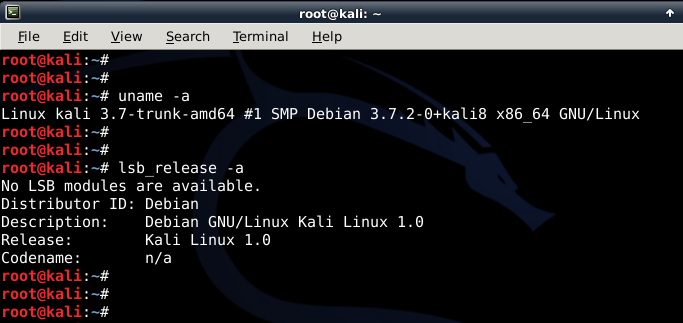
- First of all let’s confirm which version of Linux and Kernel I’m running.In command prompt type in
uname –a
lsb_release –a
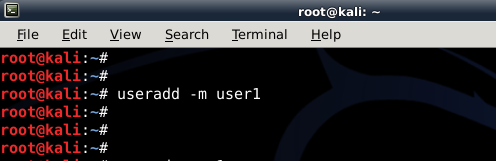
- Now let’s add user. Open terminal and type following to create new user (replace user1 with your desired user name)
useradd -m user1
(Note: -m means create home directory which is usually /home/username)
- Now set password for this user
passwd user1
Enter desired password twice

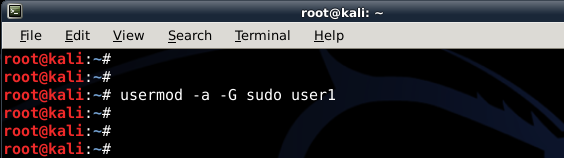
- Add user to sudo group (to allow user to install software, allow printing, use privileged mode etc.)
usermod -a -G sudo user1
(Note: -a means append or add and –G mean to specified group/groups)
- Change default shell of previously created user to bash
chsh -s /bin/bash user1
(Note: chsh mean change login shell, -s is the name of the specified shell you want for the user, in this case /bin/bash)
Nice, all worked out as expected.
Let’s logout and login back as our new Standard Non-root user (user1)

Login as new user
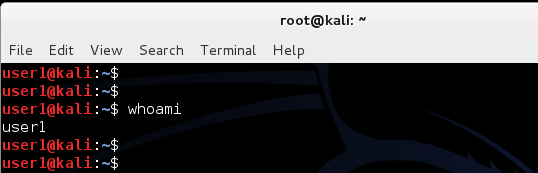
- Once logged in, let’s confirm from command line who I really am! In terminal type in the following
whoami
Take note of user1@kali prompt. That also confirms who you are. - And let’s check my group affinity, type in the following in terminal:
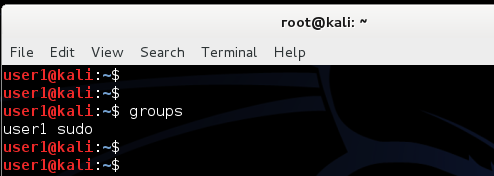
groups
Looks good to me so far.
I am part of user1 group (my primary) and sudo group. That means I can run privileged commands or just become root myself if required. - Become root!
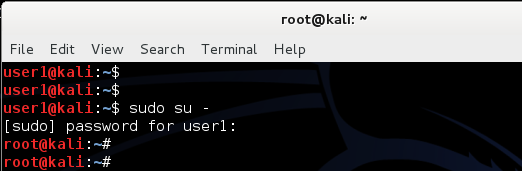
sudo su –
and type in user1’s password to become root.
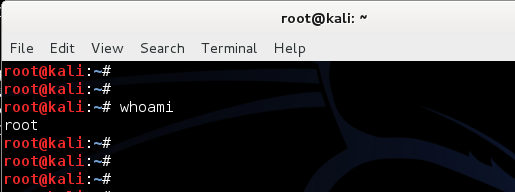
See the prompt becomes root@kali instead of user1@kali. That means you’re now root and get to run anything Kali got to offer. - Lets confirm that using whoami command
whoami
So far so good. Now how do you delete a user?
Delete user in Kali Linux:
- Log in as root user again. Open terminal and type:
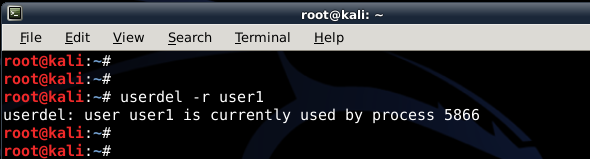
userdel –r user1
(Note: -r means delete all files and home directory for user1)
You can replace user1 with your desired user name.
I have an error “user1 is currently used by process 5866”.
So process ID 5866 is being used by user1. (I know that it’s the gnome-keyring process running in background when I used sudo su – command earlier. (Gnome-Keyring error is quite common in Debian when you install multiple Windows or Desktop Managers. There’s a separate guide see How to fix Gnome-Keyring error. This demonstrates how to fix gnome-keyring error for root user). In our case we are not worried as we just want to delete that user.
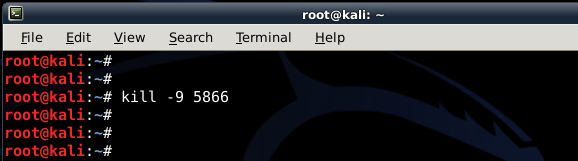
Let do that. - Type in the following in terminal to kill the process used by user1.
kill -9 5866
This kills the process immediately.
(Note: don’t kill root or system processes unless you know what you’re doing) - Now let’s try to delete the user again.
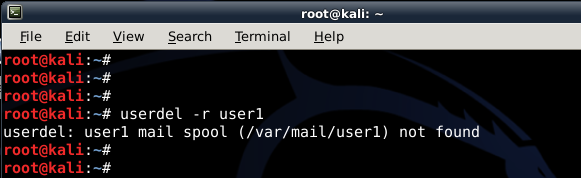
userdel –r user1
We have a message. “userdel: user1 mail spool (/var/mail/user1) not found”.
(Note: -r means delete all files and home directory for user1)
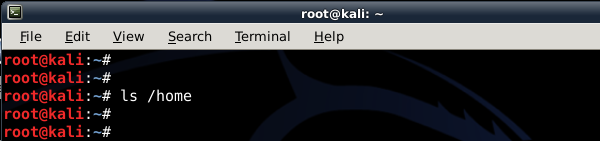
Are we going to worry about it? Not really, we never created a mailbox for user1. - Just to confirm everything for user1 was deleted list files in home directory
ls /home
Nothing.. that’s good news, all files and folders were deleted for user1. - Want to double-check?
su user1
Perfect user1 was deleted successfully.